
 Hardware
A1 Gateway
Overview and getting started guide for the A1 Linux-based IoT gateway
A1 Gateway
The A1 Gateway is a Linux-based IoT gateway that combines the A0 Board with the BeagleV-Fire to deliver advanced edge computing and multi-protocol wireless connectivity in a single platform.
What is A1?
A1 = A0 Board + BeagleV-Fire
Unlike the A0 Gateway (which runs Zephyr RTOS), A1 runs a full Linux operating system on RISC-V architecture. This makes A1 the right choice when your application requires:
- A full Linux environment (Ubuntu, Debian, Yocto, etc.)
- Containerised workloads (Docker, Podman)
- Edge AI and ML inference (TensorFlow Lite, ONNX)
- Advanced networking and protocol translation
- Richer software ecosystems and third-party tooling
The A0 module within A1 provides all the multi-protocol wireless capabilities — Wireless M-Bus (868 MHz), NB-IoT, LTE-M, WiFi, and BLE — while the BeagleV-Fire handles Linux compute and cloud connectivity.
Architecture
┌─────────────────────────────────────┐
│              A1 Gateway             │
│                                     │
│  ┌──────────────┐  ┌─────────────┐  │
│  │   A0 Module  │  │ BeagleV-Fire│  │
│  │  (ESP32-C6)  │◄─►│  (Linux)   │  │
│  │              │  │             │  │
│  │ • Wireless   │  │ • Linux OS  │  │
│  │   M-Bus      │  │ • RISC-V    │  │
│  │ • NB-IoT     │  │ • Edge AI   │  │
│  │ • LTE-M      │  │ • Cloud     │  │
│  │ • WiFi & BLE │  │   Connect   │  │
│  └──────────────┘  └─────────────┘  │
└─────────────────────────────────────┘
Key Features
| Feature | Details |
|---|---|
| OS | Linux (full distribution on BeagleV-Fire) |
| Architecture | RISC-V |
| Wireless | Wireless M-Bus (868 MHz), NB-IoT, LTE-M, WiFi, BLE |
| Edge Compute | Full Linux environment for AI/ML, containers, and custom apps |
| Cloud Integration | MQTT, CoAP, WebSockets via Magistrala IoT platform |
| Open Source | Hardware schematics and software on GitHub |
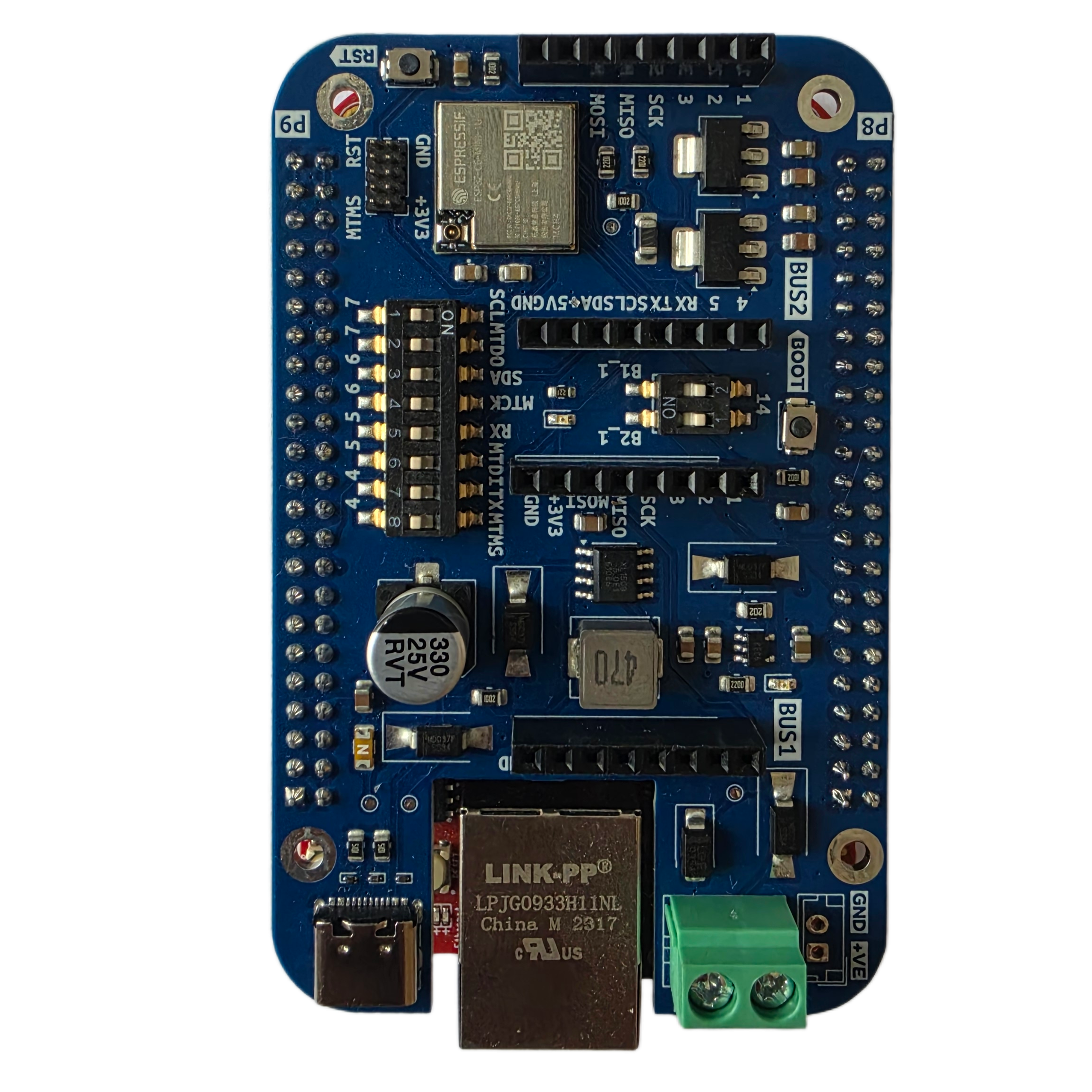
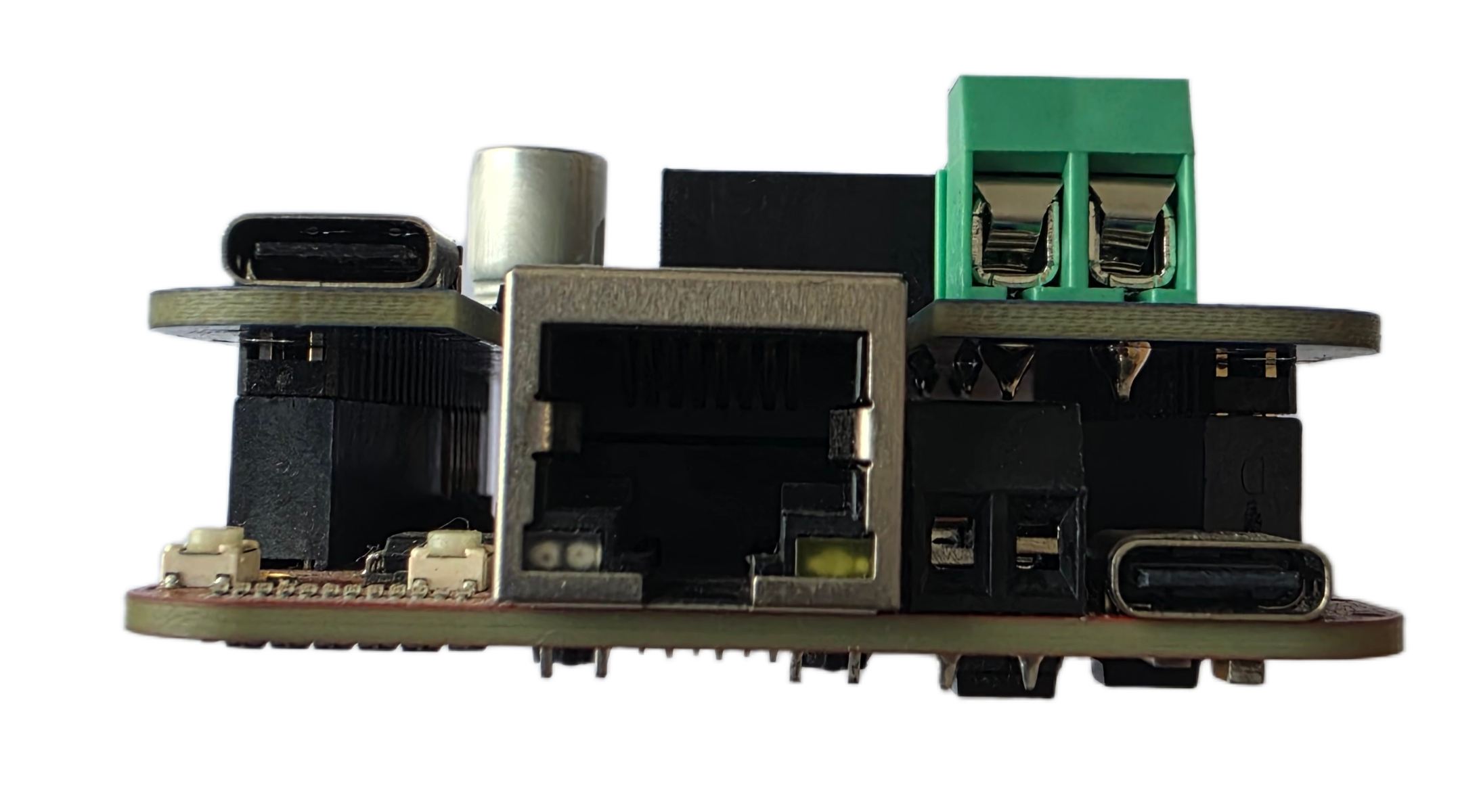
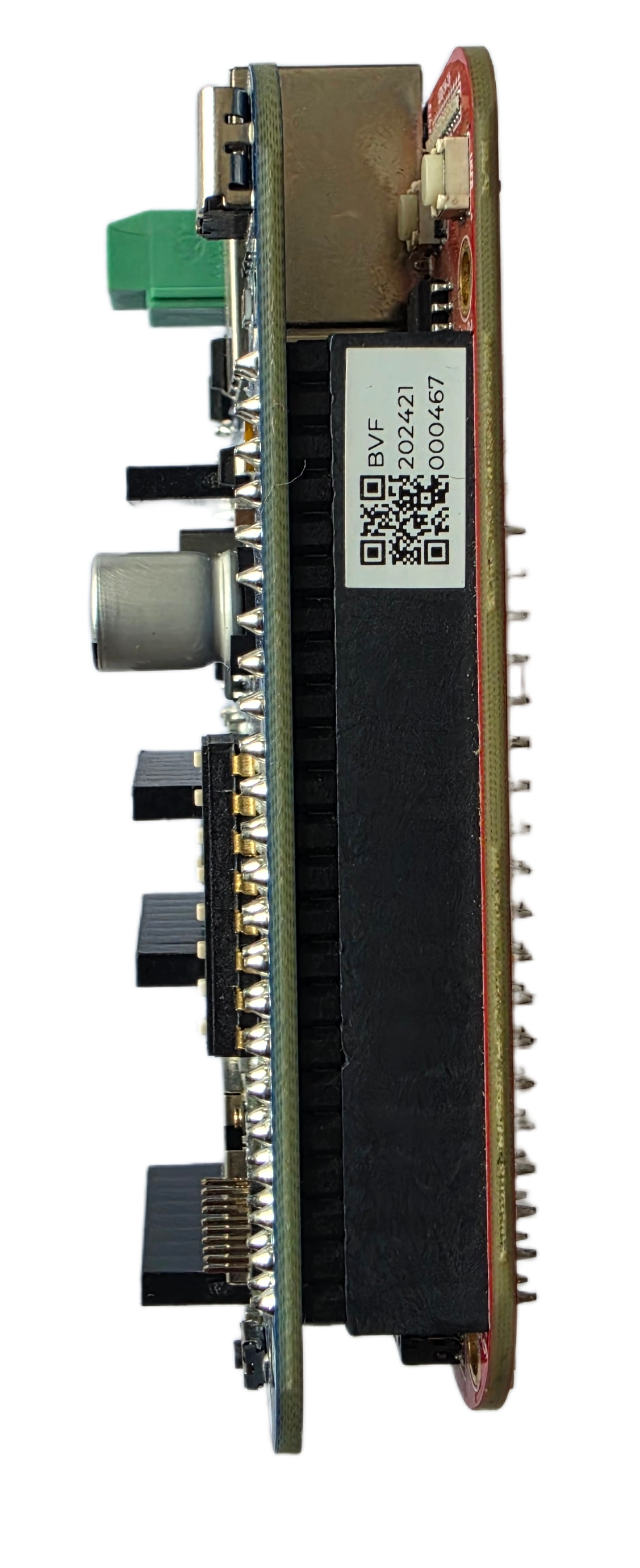
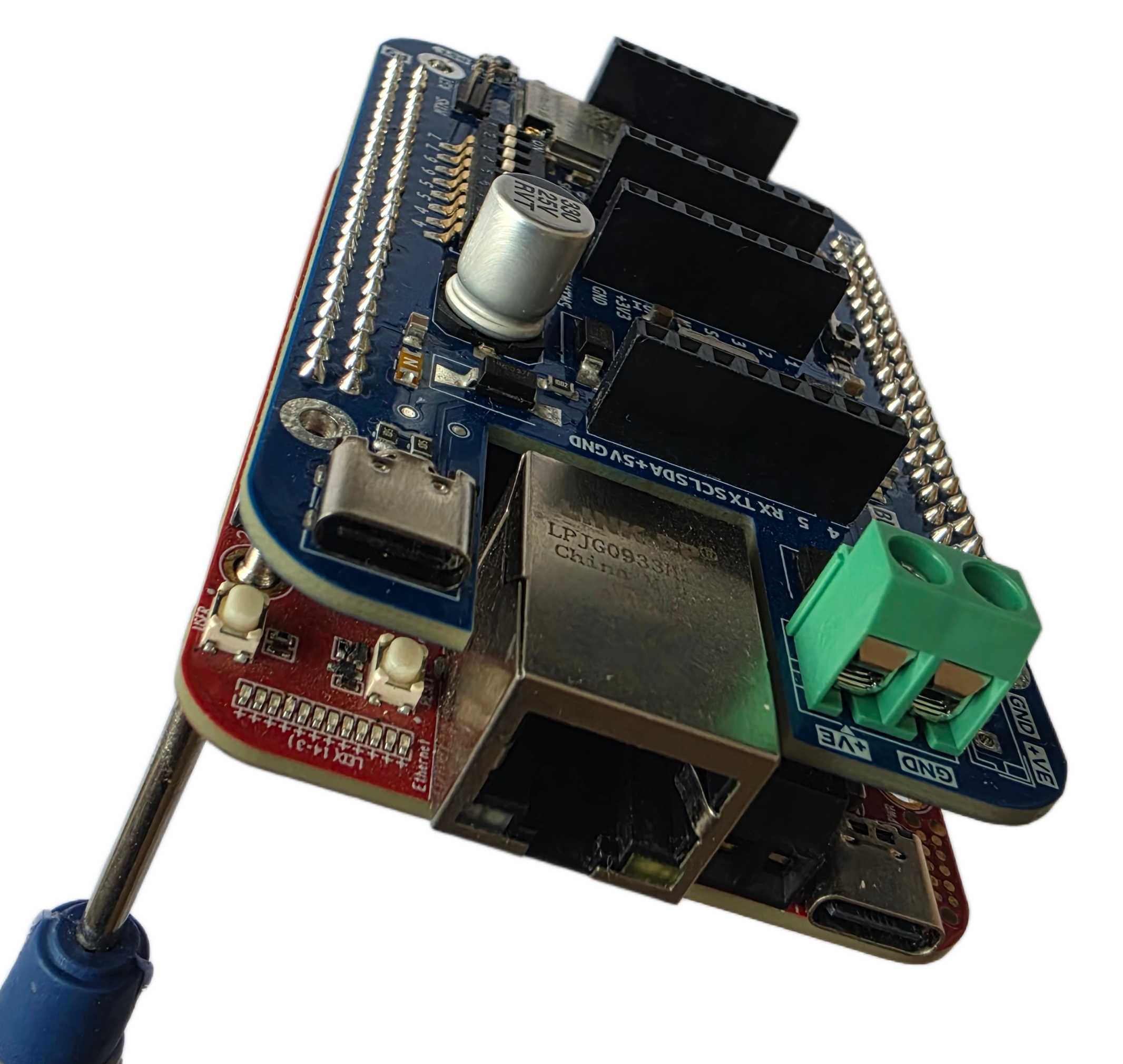
Image
Top
Front
Side
Projection
A0 vs A1 — Which Should I Choose?
| A0 Gateway | A1 Gateway | |
|---|---|---|
| Composition | A0 Base Board + ESP32-C6 module + expansion modules | A0 Board + BeagleV-Fire |
| OS | Zephyr RTOS | Linux |
| Best for | Low-power, constrained IoT | Industrial IoT, edge AI, containers |
| Wireless | M-Bus, NB-IoT, LTE-M, WiFi, BLE | M-Bus, NB-IoT, LTE-M, WiFi, BLE |
| Processing | Embedded / RTOS | Full Linux compute |
What You'll Need
Hardware
- A0 IoT Gateway module
- BeagleV-Fire board
- USB-C cable for power and programming
- Optional: Ethernet cable (via BeagleV-Fire's onboard GbE port)
Software
- Linux host machine for flashing and development
- Serial terminal (minicom, screen, or PuTTY)
- Git
- Docker or Podman (optional, for containerised workloads)
Accounts
- Magistrala instance (cloud or local)
- Optional: NB-IoT/LTE-M SIM card with data plan
- Optional: OCI registry for container or Wasm modules
Quick Start
- Connect the A0 module to the BeagleV-Fire board.
- Power the A1 gateway via USB-C on the BeagleV-Fire board.
- Connect to the BeagleV-Fire's serial console to access the Linux shell.
- Configure wireless interfaces (WiFi, LTE-M, or NB-IoT) as needed.
- Install and configure the Magistrala agent to connect to your IoT platform.
For detailed setup instructions, hardware pin-outs, and integration guides, refer to the A0 Gateway docs for the wireless module and the BeagleV-Fire documentation for the Linux board.